How do I change my credit card settings?
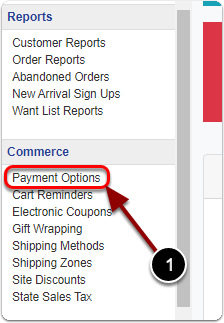
1) Click 'Payment Options' under the 'Commerce' heading of the Control Panel.
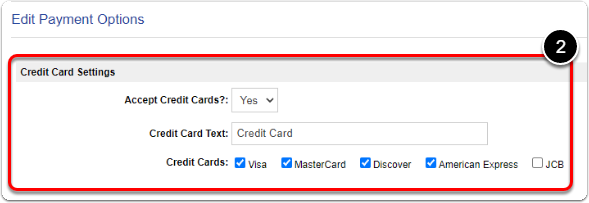
2) Under the 'Credit Card Settings' heading, edit your credit card settings.
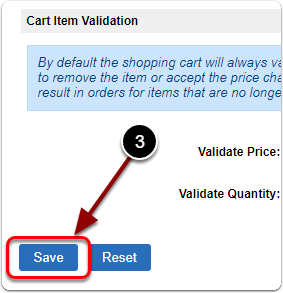
3) When you are finished, scroll down & click the 'Save' button.