How do I delete a customer's new arrival signup?
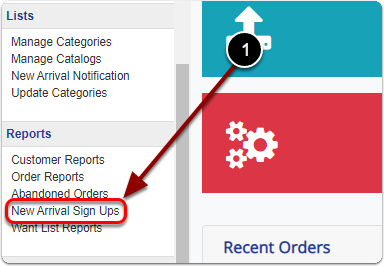
1) Click 'New Arrival Sign Ups' under the 'Reports' heading of the 'Control Panel'.
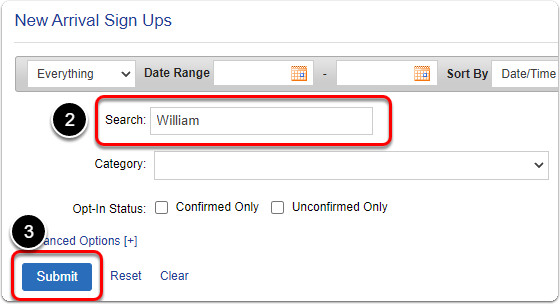
2 & 3) Search for your customer and click the 'Submit' button.
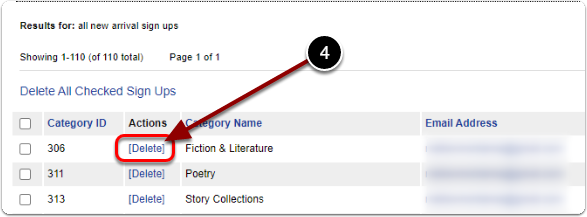
4) Scroll down & click the 'Delete' link of your customer's new arrival sign up.