How do I delete an existing Email Campaign?
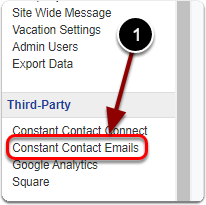
1) Scroll down the Control Panel and click 'Constant Contact Emails' under the 'Third-Party' heading.
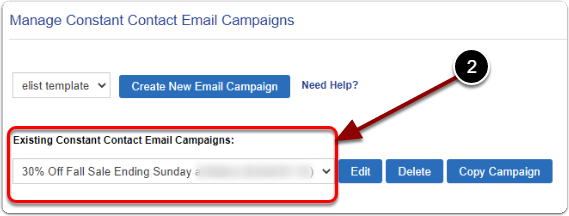
2) Under "Existing Constant Contact Email Campaigns' select your email campaign from the drop-down menu.
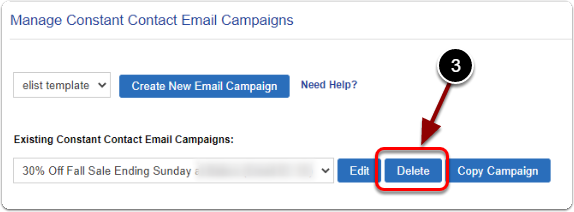
3) Click the 'Delete' button.