How do I delete an existing item?
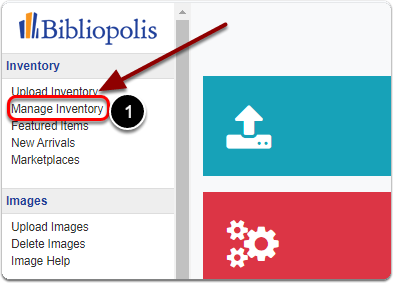
1) Click on 'Manage Inventory' under the 'Inventory' heading in the Control Panel.
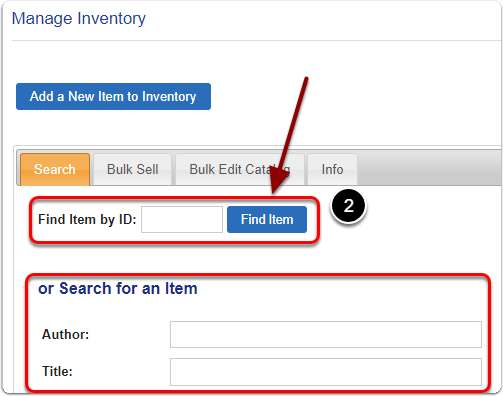
2) Search for your item by it's Item ID (or Author / Title)
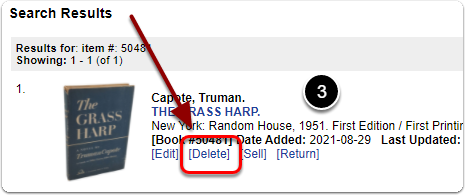
3) Scroll down to the 'Search Results' and click the 'Delete' link under your item.
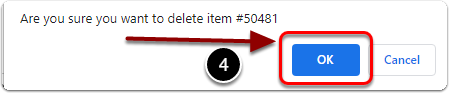
4) A window will pop up that says "Are you sure you want to delete item". Click the 'OK' button.