How do I edit an existing Site Wide Message?
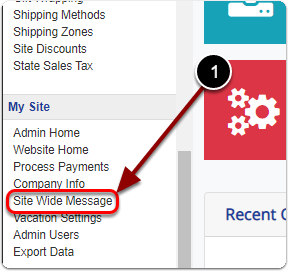
1) Scroll down the Control Panel and click 'Site Wide Message' under the 'My Site' heading.
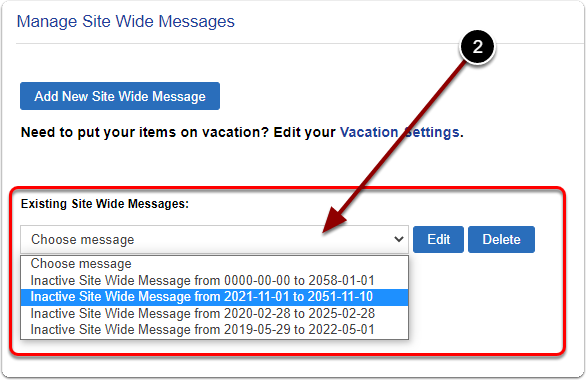
2) Select your 'Existing Site Wide Message' from the drop-down menu.
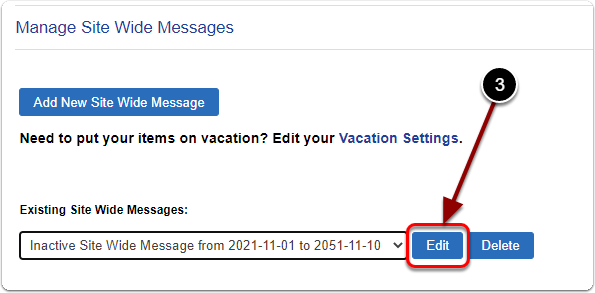
3) Click the 'Edit' button.
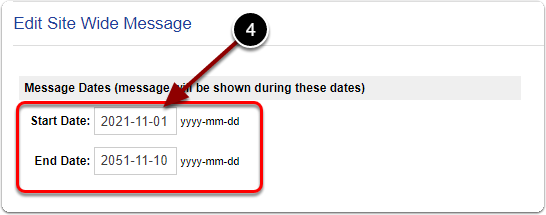
4) Scroll down, enter the dates you'd like your 'Site Wide Message' to run. (yyyy-mm-dd)
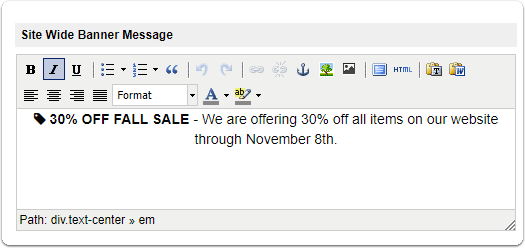
5) Edit your 'Site Wide Message Banner'.
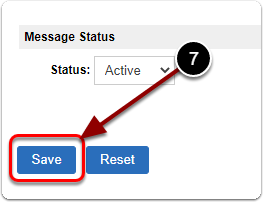
6) If you'd like to launch your site wide message, select 'Active' from the drop-down menu.
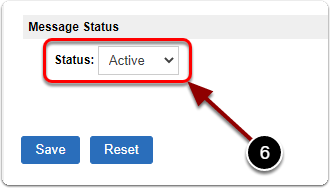
7) When you are finished, click the 'Save' button to finalize.