How do I edit my Company Info? (Phone number, Physical Address, Fax, Business Name)
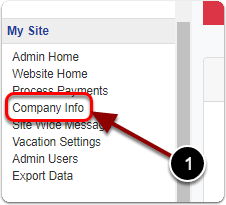
1) Click on 'Company Info' in the Control Panel under the 'My Site' heading.
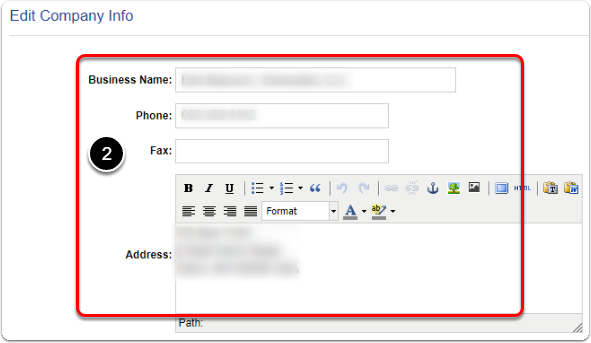
2) On this page you can edit your Business Name, Phone, Fax & Address as it appears to customers.
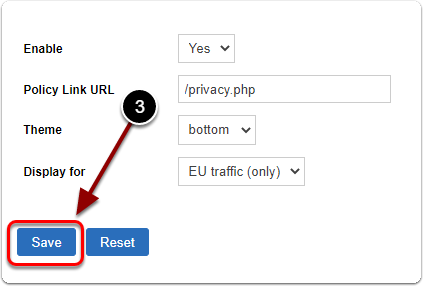
3) When you are finished, scroll down and click the 'Save' button.