How do I export data?
Click the 'Export My Data' link under the 'Settings' heading on the Control Panel menu.
Choose the export type from the 'Choose Export Type' dropdown menu.
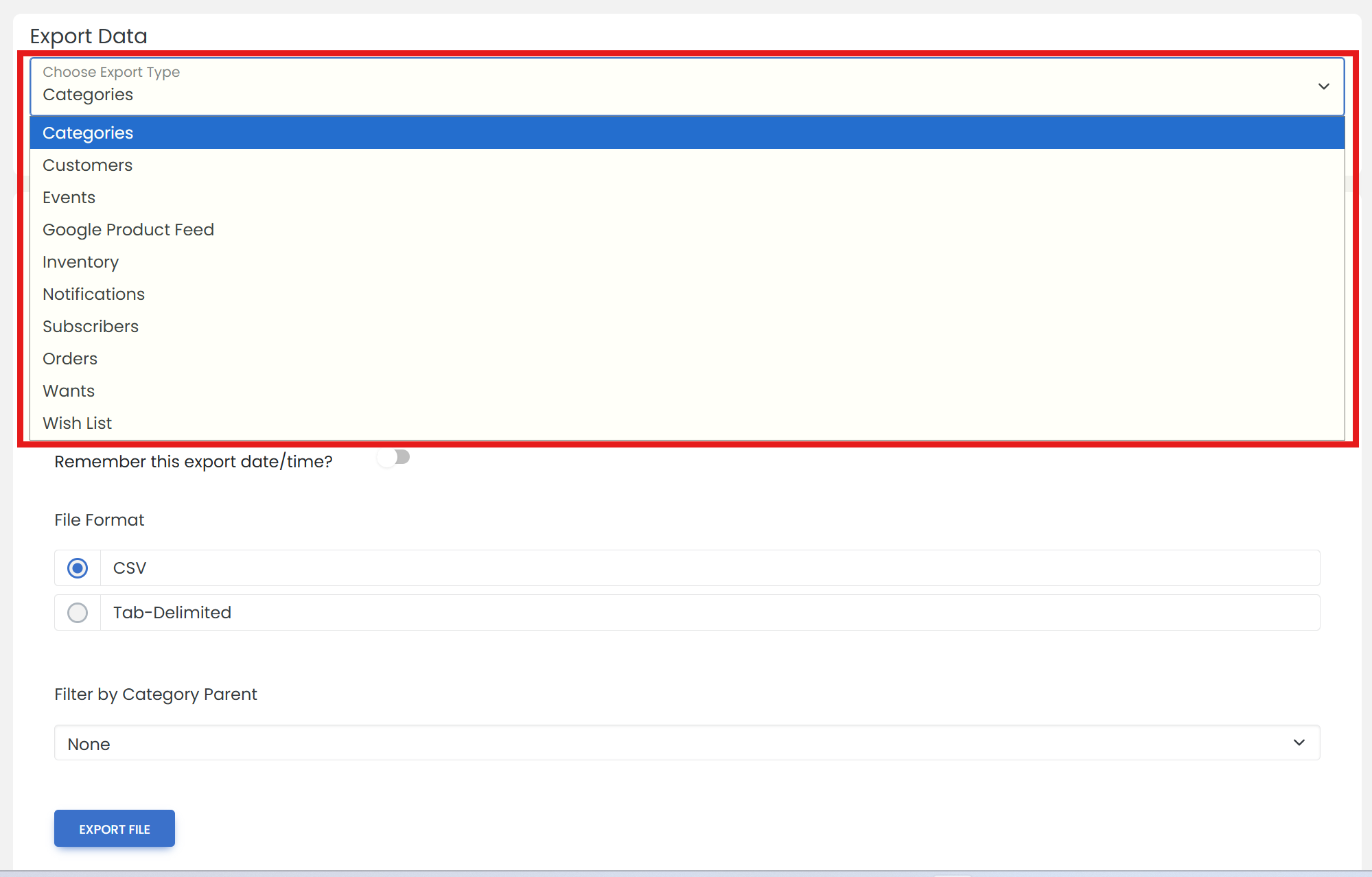
Select which data to include, and the file format. Then, click 'EXPORT FILE' button.
'Subscribers' are people who have opted-in to your mailing lists.
Click the 'Download File' link to download the file.
Once a file has been created, it is available in the 'ARCHIVE' tab for 60 days. Choose the export type, then click 'ARCHIVE'.