How do I export my inventory to ABE?
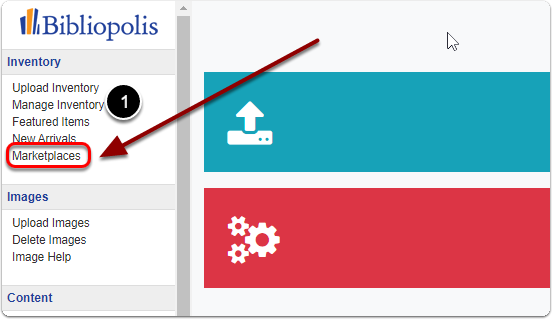
1) Click on 'Marketplaces' under the 'Inventory' heading of the control panel.
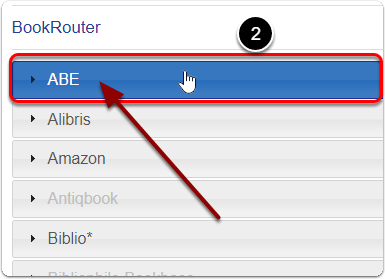
2) Click on 'ABE' under the 'BookRouter' heading.
3) Scroll down to 'Export Options' under the 'ABE' heading.
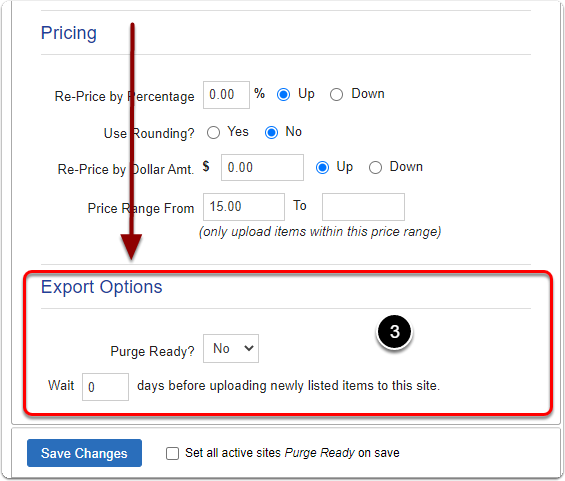
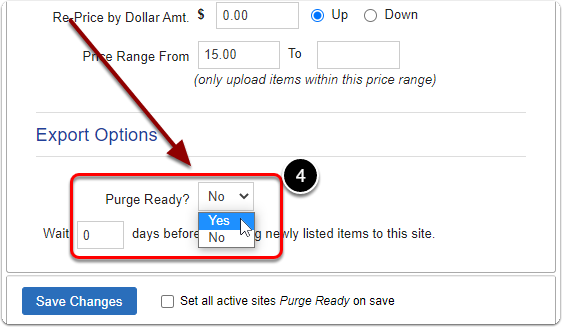
4) Next to 'Purge Ready' select 'Yes'.
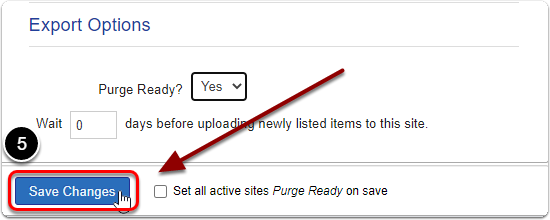
5) Be sure to click the 'Save Changes' button to finalize.