How do I remove repricing rules from an Amazon Listing?
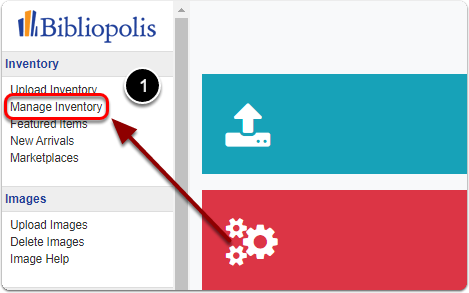
1) Click on "Manage Inventory" under the 'Inventory' heading of the Control Panel.
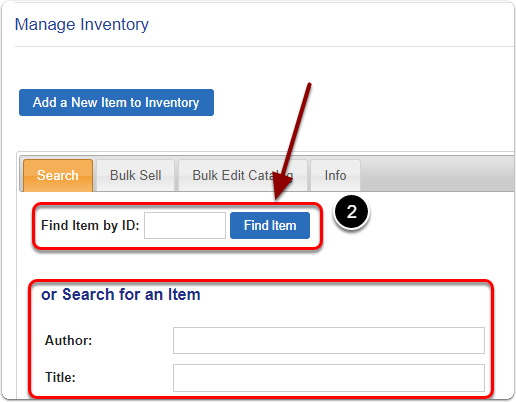
2) Search for your item by it's Item ID (or Author / Title)
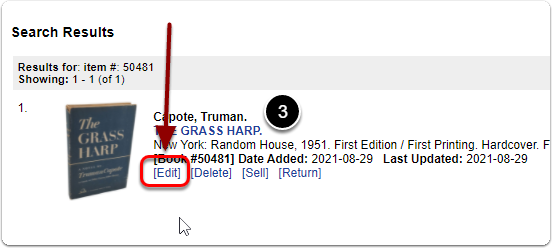
3) Scroll down to the 'Search Results' and click the 'Edit' link under your item.
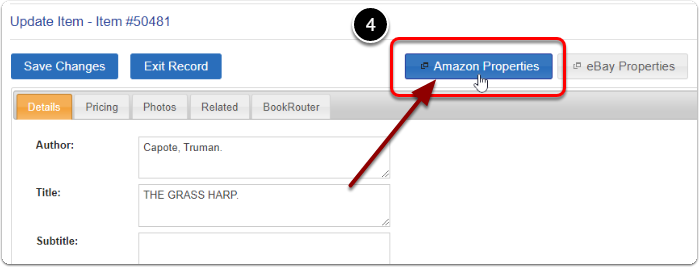
4) Click on the 'Amazon Properties' button.
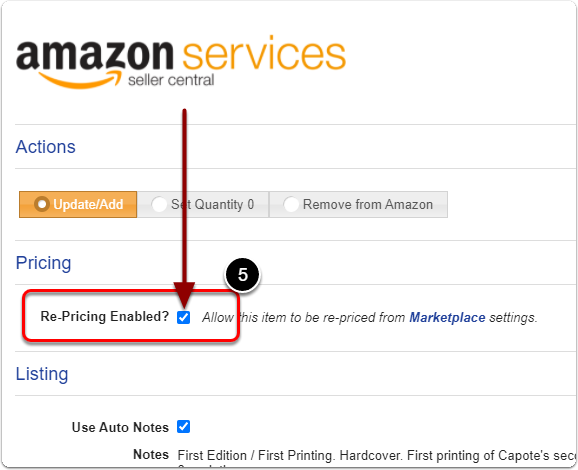
5) Uncheck Re-Pricing Enabled.
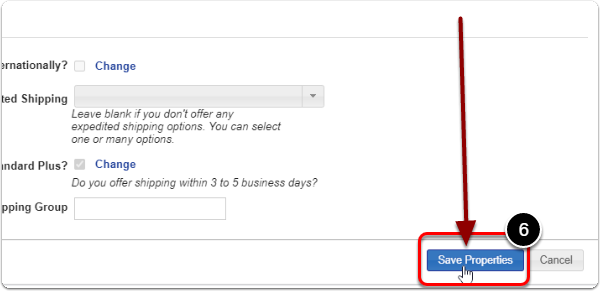
6) Scroll down and click the 'Save Properties' button to finalize.