How do I update/edit my preferred payment methods on my website?
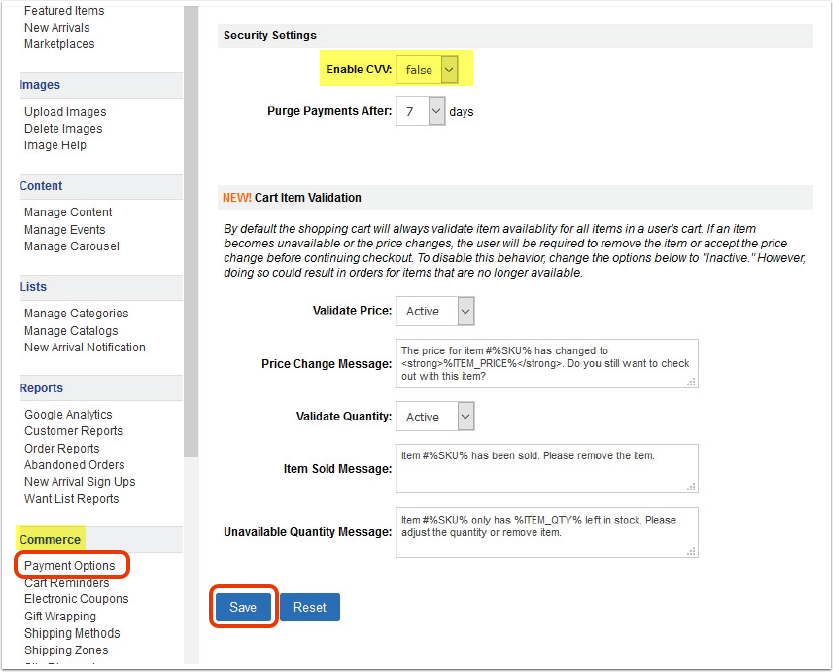
Click on the 'Payment Options' link under the 'Commerce' heading in the Control Panel menu. From there, you can update your preferences. Click 'Save' when you are finished making changes.
Please note, by default we do not require the CVV when paying by credit card. If you require this, scroll down to the 'Security Settings' heading, then change 'Enable CVV' to 'true.'
If using PayPal, be sure to follow the instructions to set up Auto Return and Instant Payment Notifications (IPN).