How do I change an eBay listing's subtitle?
 eBay charges a fee for adding a subtitle to a listing. $1 for an item under $150. $3 for an item over $150.
1) Click on 'Manage Inventory' under the 'Inventory' heading of the Control Panel.
2) Search for your item by it's 'Item ID' (or Author / Title by clicking on filter icon)
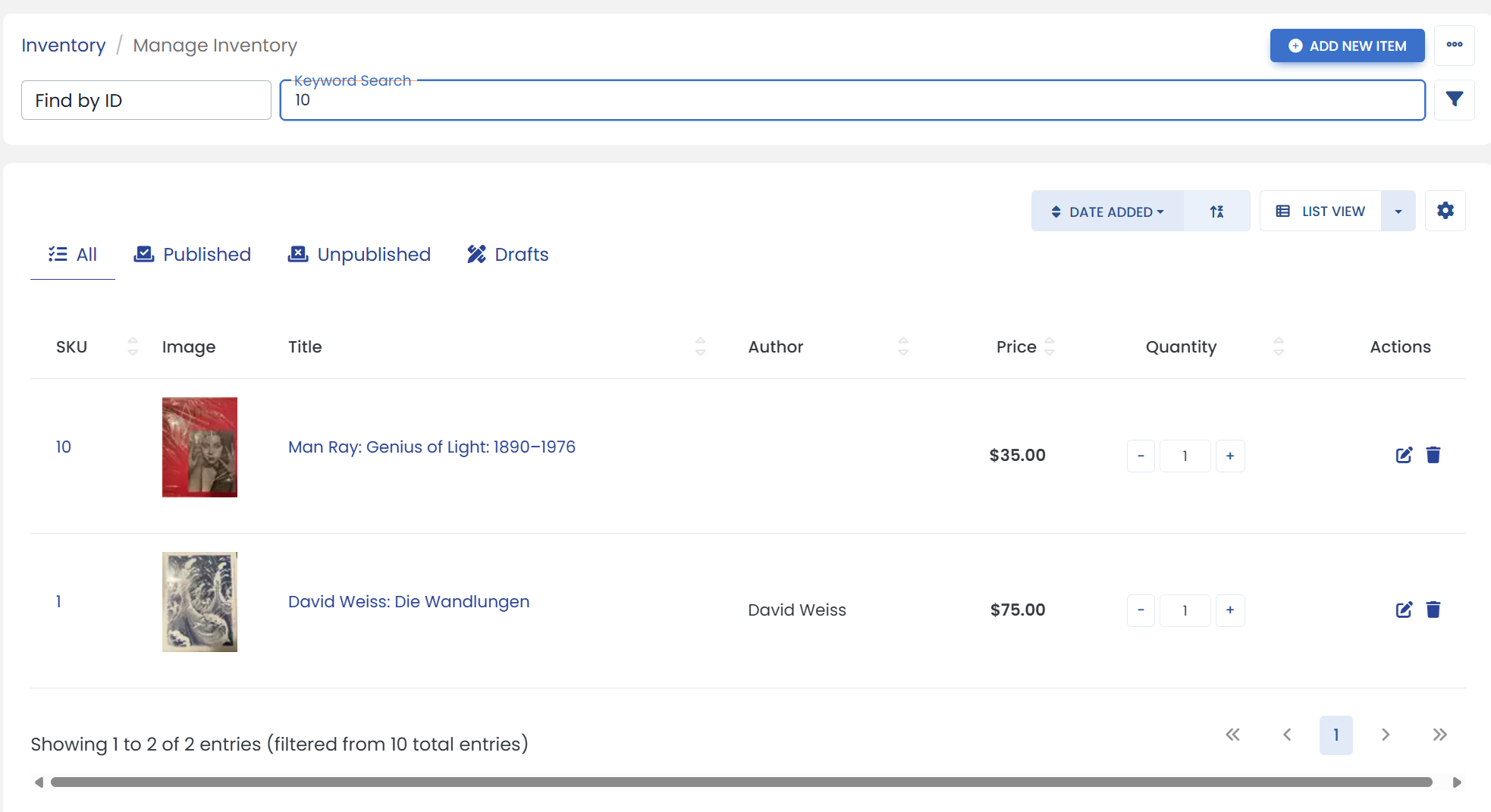
Click on the filter icon to open advanced search filters.
It opens a sliding modal where you can search an item such as by Author/Title, etc.
3) Click the 'Edit' icon at the end of your item.
4) Click on the 'EBAY' tab.
5) Scroll down to the 'Listing' heading & below the 'Title', click in the 'Subtitle' textbox to edit your eBay listings subtitle.
6) When you are finished, be sure to click the 'Save' button to finalize.