How do I change an Amazon Listing's Binding?
1) In the BookRouter Control Panel, find the 'Inventory' heading, and under that click the 'Manage Inventory'.
2) Search for your item by it's 'Item ID' (or Author / Title by clicking on filter icon)
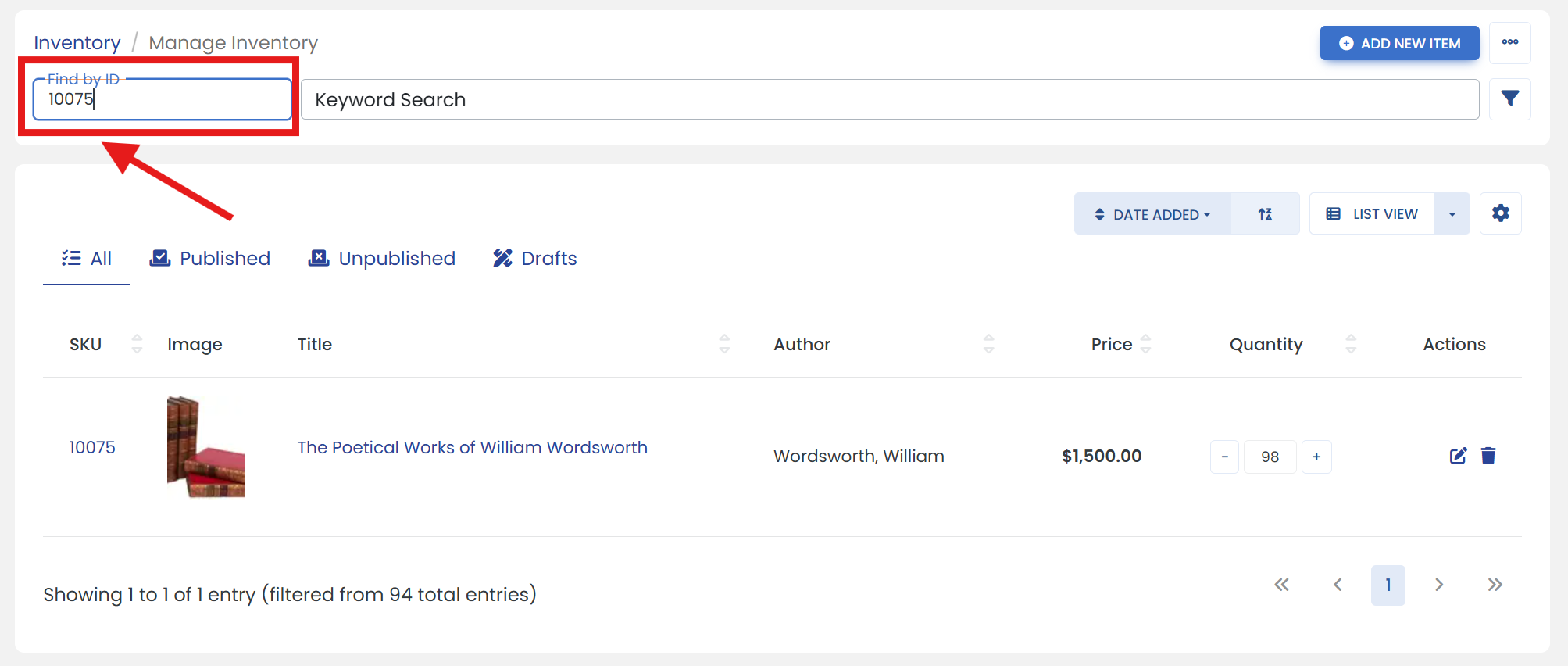
'Or' click on the filter icon to open advanced search filters.
It opens a sliding modal where you can search an item such as by Author/Title, etc.
3) Click the 'Edit' icon at the end of your item.
4) Click on the 'AMAZON' tab to open Amazon properties page.
5) Under the 'Product Details' heading, click on the 'Binding' dropdown menu. Select the binding that best describes your item.
6) Click the 'SAVE' button to finalize.