How do I delay my listings to ABE?
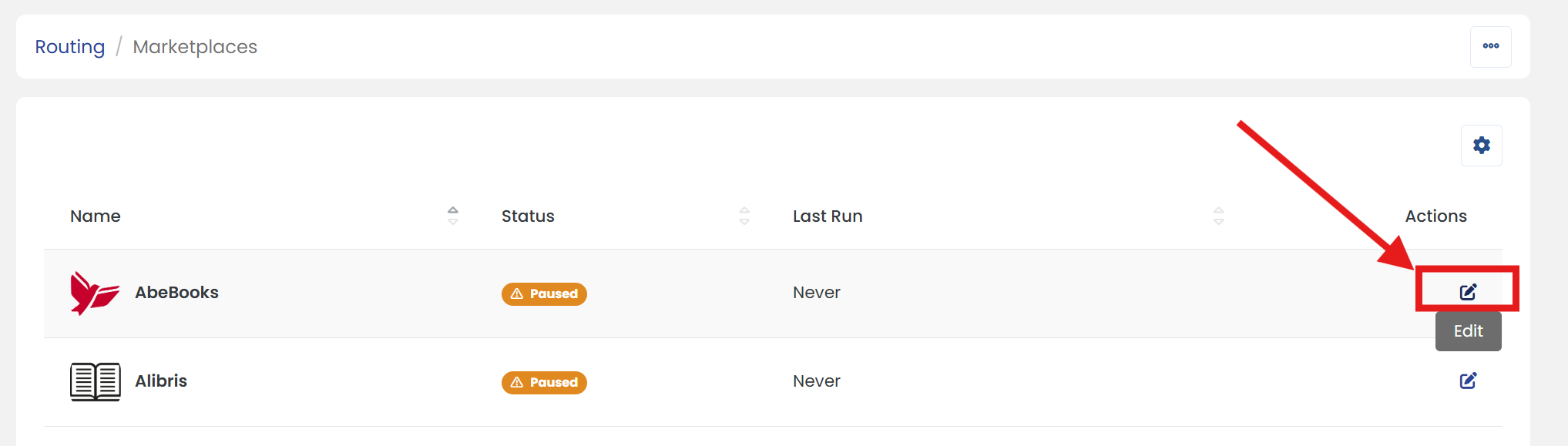
1) In the Control Panel, click on 'Marketplaces' under the 'Routing' heading.
2) In the Marketplaces list, locate 'AbeBooks', then click the 'Edit' icon in the Actions column to update its details.
3) In the 'Sync Rules' section, enter the number of days in the 'Days to Wait' field. This determines how long new listings will be delayed before being uploaded.
4) Scroll up/down to click on 'SAVE' button to apply the changes.