How do I delete an existing item?
1) Click on 'Manage Inventory' under the 'Inventory' heading in the Control Panel menu.
2) Use 'Find by ID' or 'Keyword Search' textbox to find the Item. (Or you can use 'filter' icon next to keyword search textbox for 'Advanced Search')
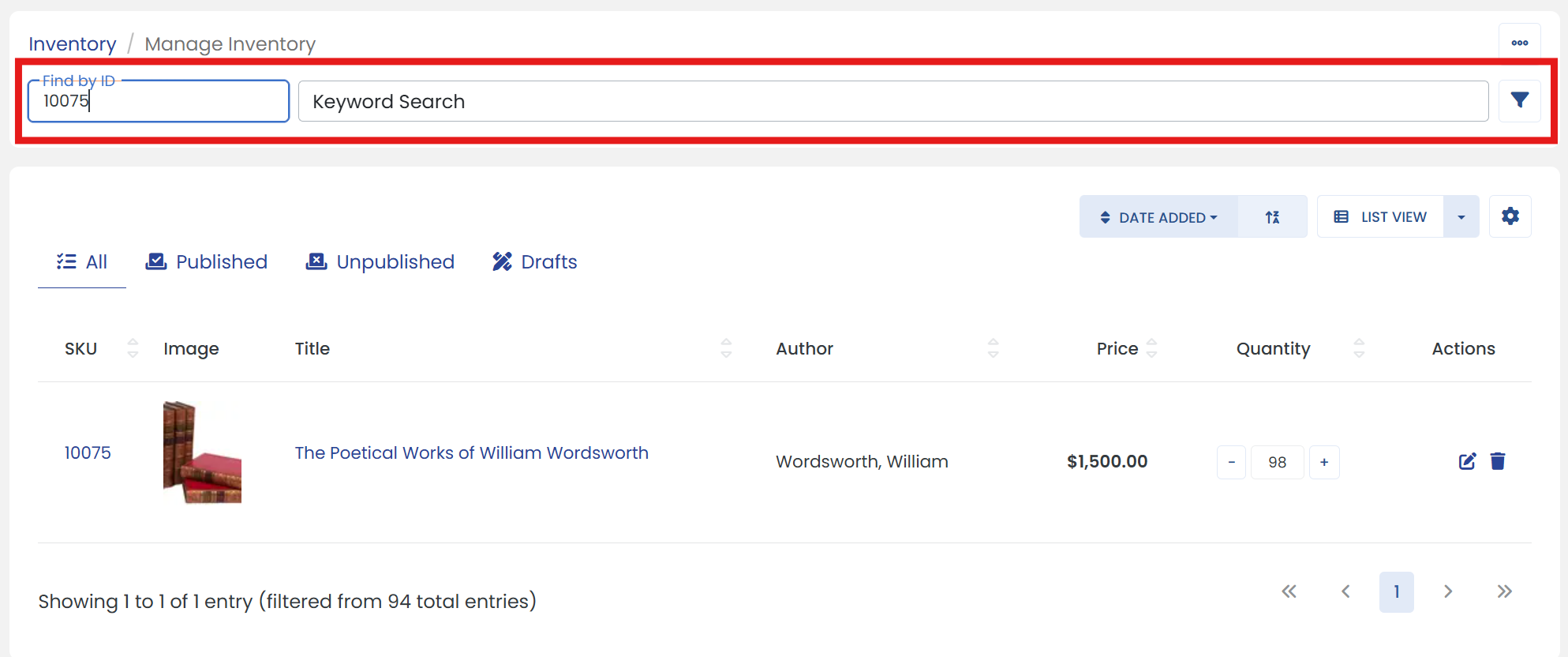
3) Scroll down to the 'Search Results' and click the 'Delete' icon at the end under 'Actions' column.
4) A window will pop up that says "Are you sure you want to delete the following item?". Click the 'YES' button.