How do I change an existing category’s image?
1) Click 'Categories' under the 'Inventory' heading of the 'Control Panel'.
2) From the categories list, find the category for which you want to change an image and click the 'Edit' icon in the Actions column on the right.
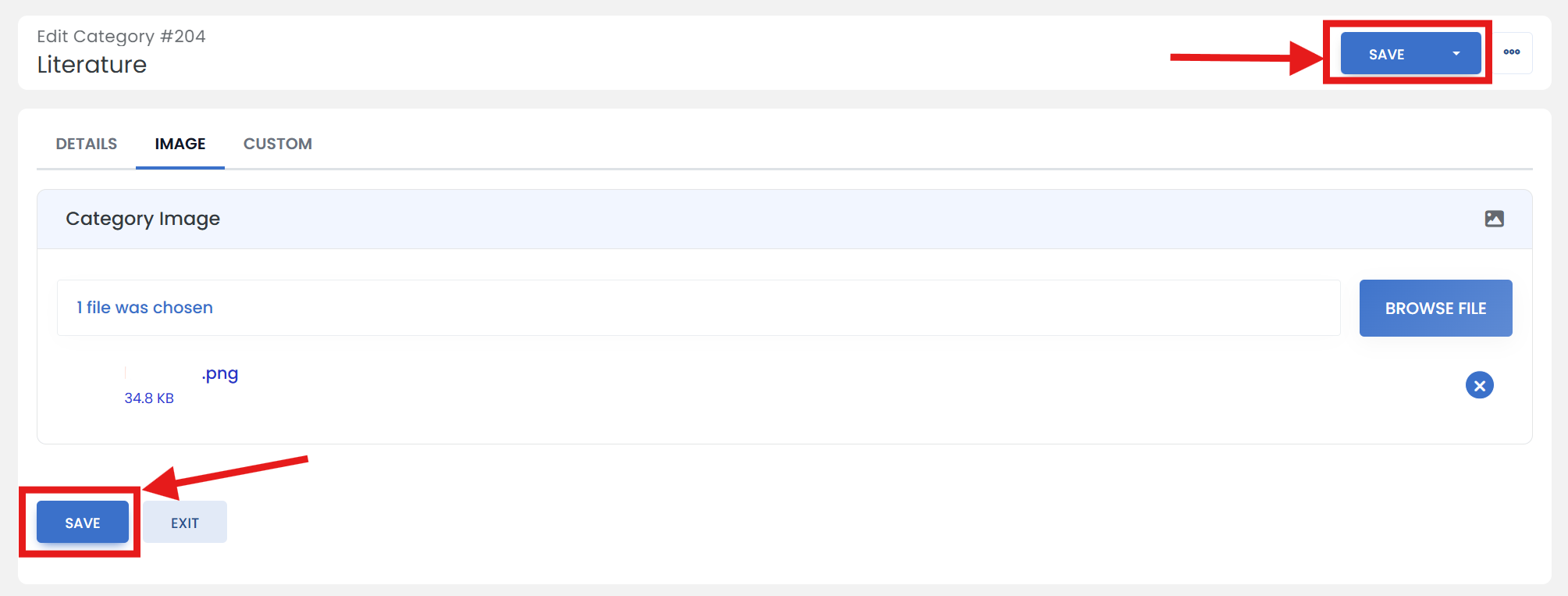
3) Click the 'IMAGE' tab.
4) Click the 'BROWSE FILE' button and open your image file.
5) When you are finished, scroll up/down & click the 'SAVE' button.