How do I limit the quantity of an item one customer can buy on eBay?
1) Click on 'Manage Inventory' under the 'Inventory' heading of the Control Panel.
2) Search for your item by it's 'Item ID' (or Author / Title by clicking on filter icon)
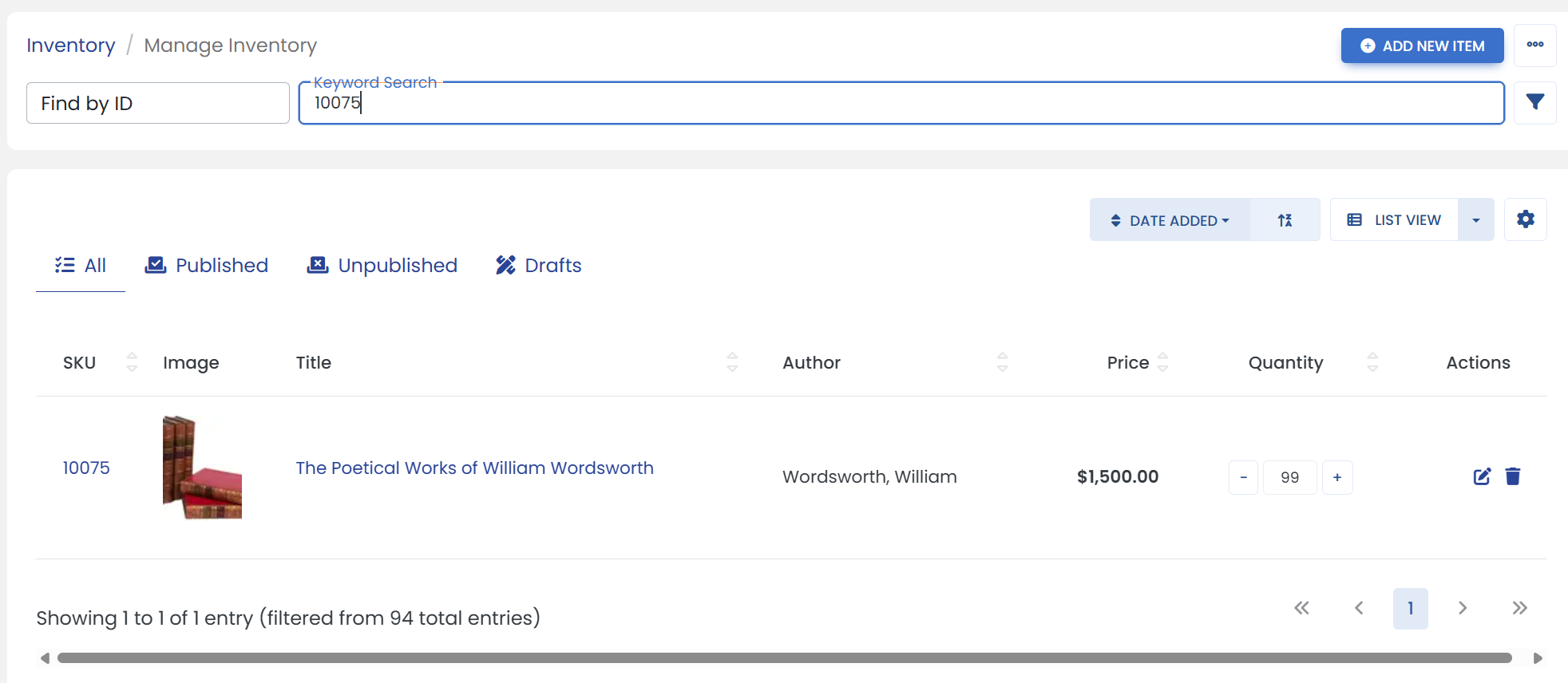
Click on the filter icon to open advanced search filters.
It opens a sliding modal where you can search an item such as by Author/Title, etc. and then click on 'START SEARCH' button at the bottom.
3) Click the 'Edit' icon at the end of your item.
4) Click on the 'EBAY' tab.
5) Scroll down to the 'Stock' heading & limit the 'Quantity per buyer'.

The 'Quantity per buyer' value can't be larger than the quantity being sent to eBay
6) When you are finished, be sure to click the 'Save' button to finalize.