How do I manually mark items as sold?
Marking an Individual Item as Sold
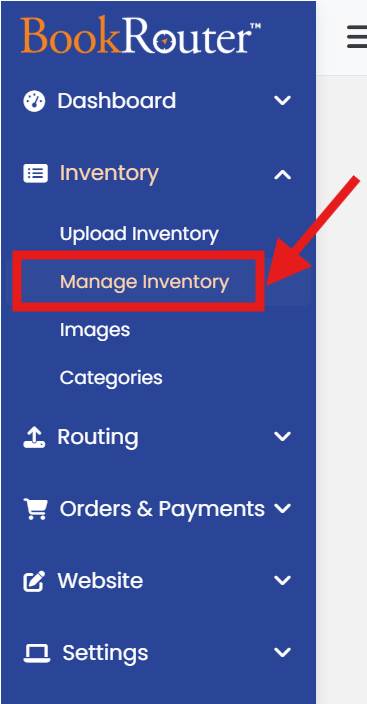
Click the 'Manage Inventory' link under the 'Inventory' heading in the Control Panel menu.
Use 'Find by ID' or 'Keyword Search' textbox to find the Item. (Or you can use 'filter' icon next to keyword search textbox for 'Advanced Search')
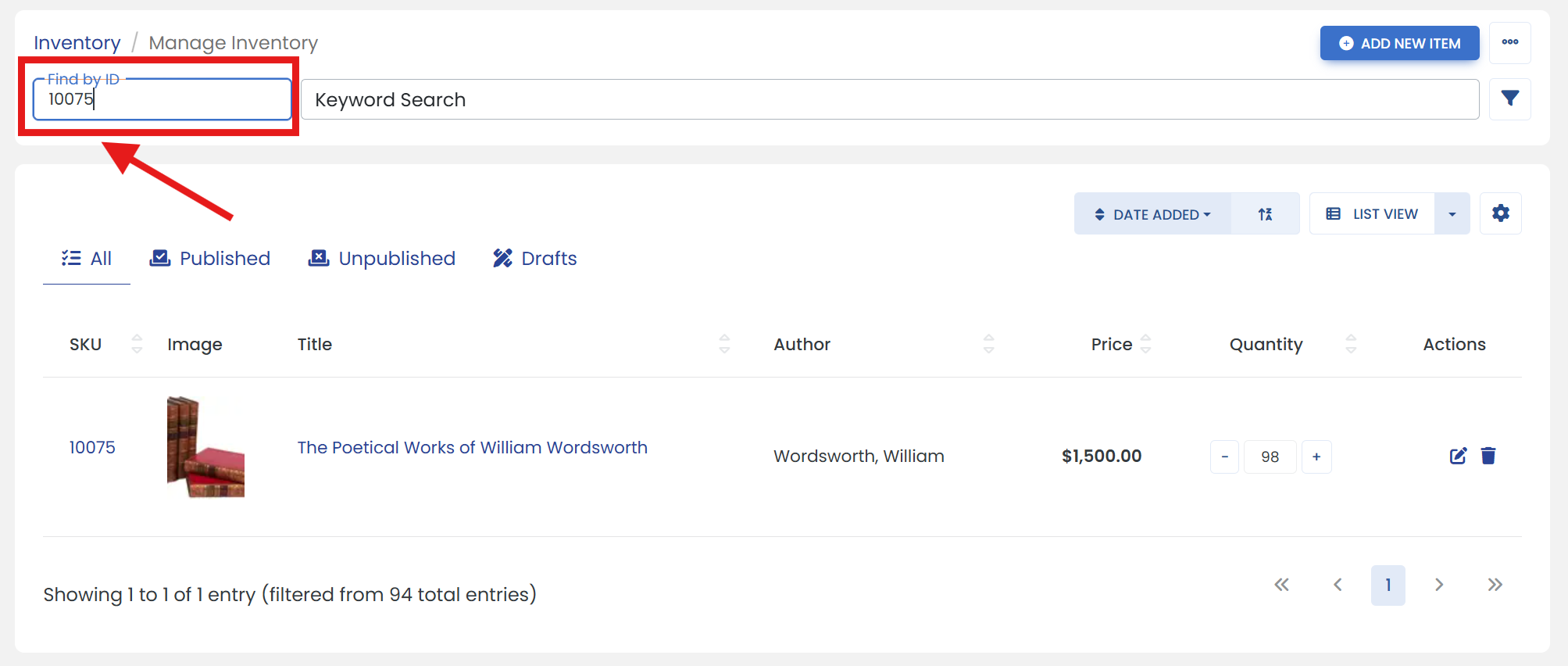
Click '-' minus button in the 'Quantity' column in selected item. The quantity of the item will immediately be reduced by 1.