How do I view the time of my last new arrival email and set the next one?
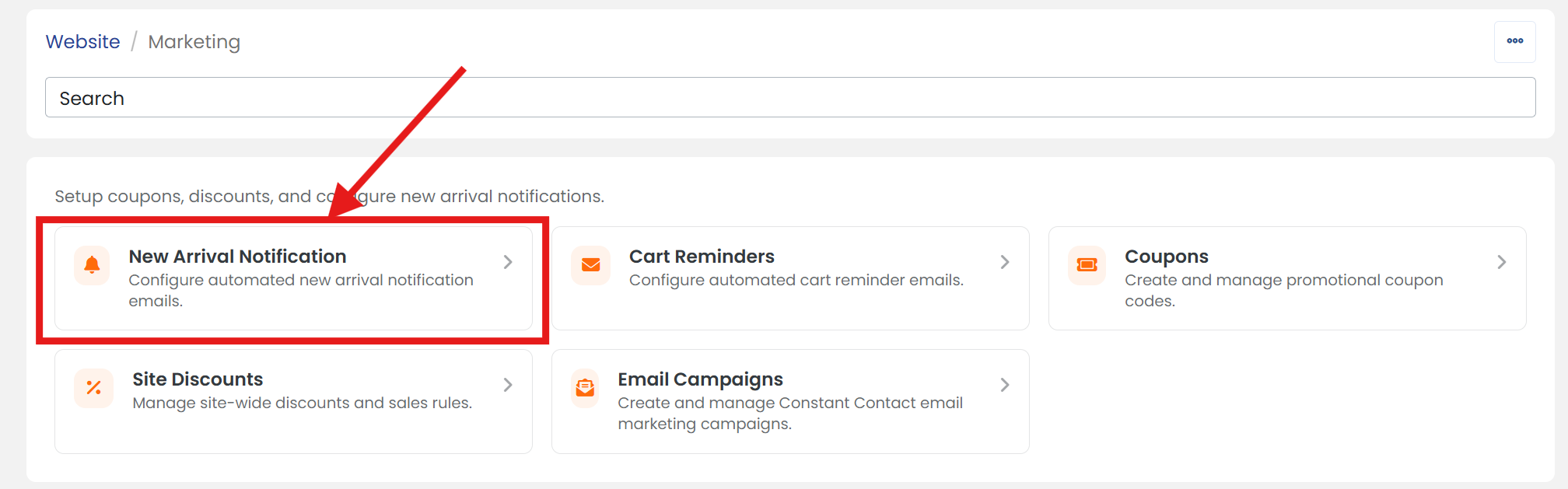
1) Click 'Marketing' under the 'Website' heading of the 'Control Panel'.
2) Click 'New Arrival Notification' section to open it's settings page.
3) Next to 'Last Sent' is the date & time of the last 'New Arrival' automatic email sent.
4) Next to 'Next Send', enter the date and time or click on the calendar icon to select the date and time you'd like to start sending the next batch of 'New Arrival' emails.
 CDT (yyyy-mm-dd hh:mm:ss)
5) When you are finished, click the 'SAVE' button.