How do I upload 'Sold Books'?
1) Click the 'Upload Inventory' link under the 'Inventory' heading in the Control Panel.
2) Click the 'UPLOAD' tab.
3) Next to the 'Upload Type' label, select the 'Sold Books' option from the dropdown menu.
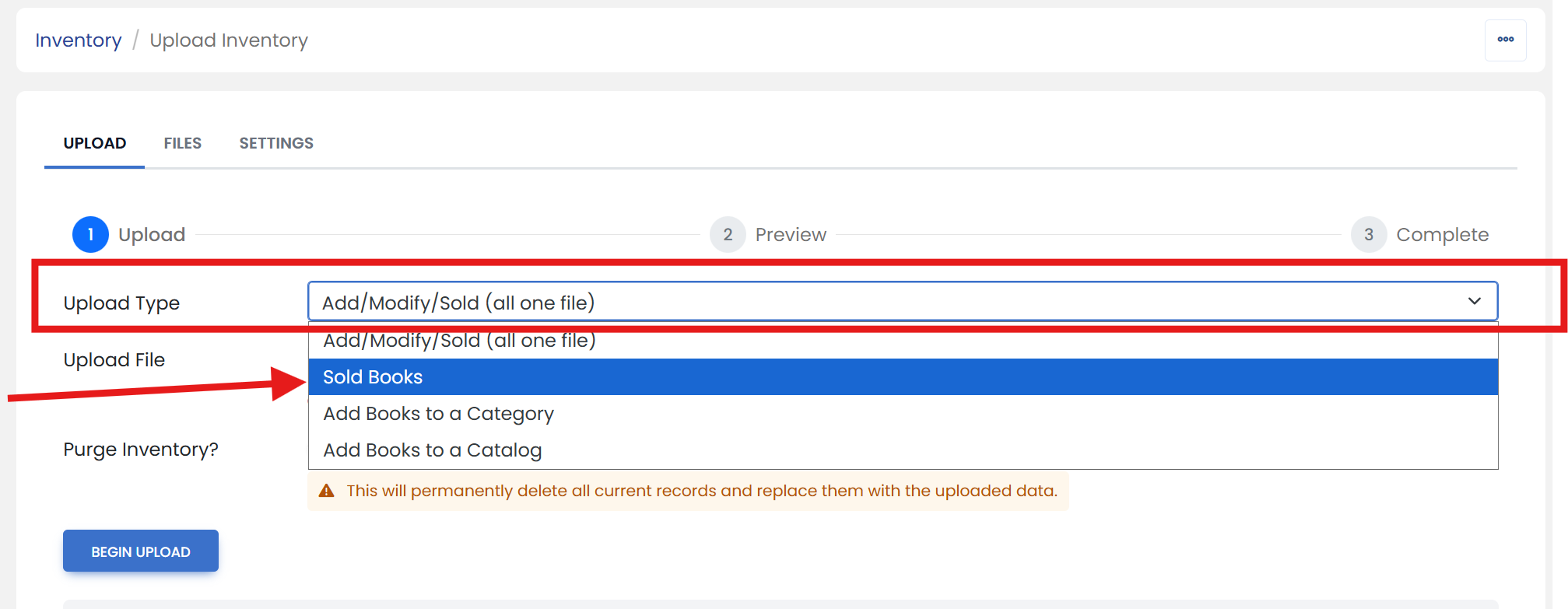
4) Next to the 'Upload File' label, click the 'Choose File' button. Open your tab delimited file.
5) Click the 'BEGIN UPLOAD' button.