How do I schedule my new arrival emails?
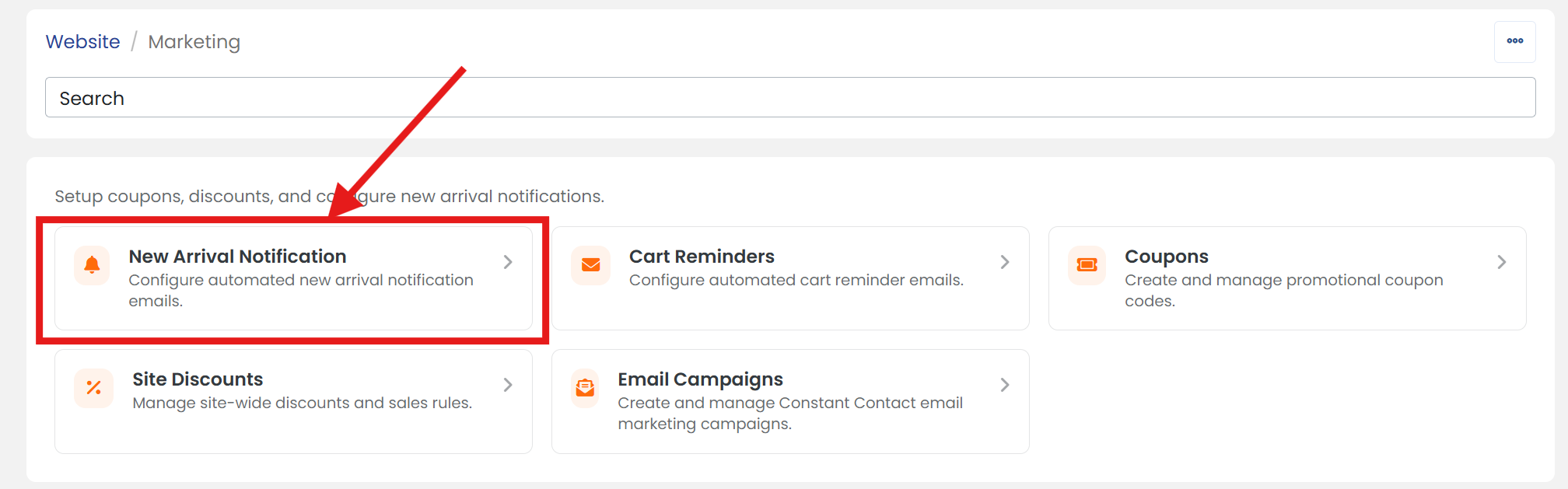
1) Click 'Marketing' under the 'Website' heading of the 'Control Panel'.
2) Click 'New Arrival Notification' section to open it's settings page.
3) On the 'SETTINGS' tab, next to 'Email Schedule', select your preferred the frequency from the dropdown menu to automatically send 'New Arrival' emails to your customers.
4) Next to 'Days of week', select the day from the dropdown menu on which you would like to send 'New Arrival' emails.
5) Next to 'Start at', select the time of day from the dropdown menu when you'd like to begin sending 'New Arrival' emails.

Note: because emails are staggered, the exact time is not guaranteed. Choose the day that you would like email staggering to begin and target start time. Emails send on an hourly basis and continue until all emails have been sent.
6) When you are finished, scroll up/down and click the 'SAVE' button.